Nano Banana 2.1
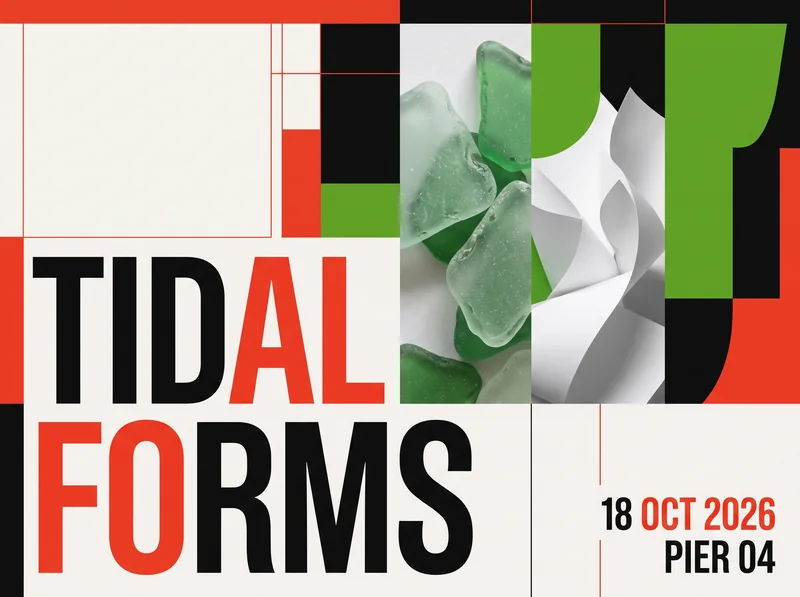
A text-led exhibition poster with a wide range of composition options and detailed photographic treatment.
Text to Image · 2K · 3:2 · Representative sample
Choose Nano Banana 2.1 for lower-cost iterations, detailed edits, and wide or tall compositions. Choose Nano Banana Pro when your workflow depends on style changes and reference-guided editing.
A practical starting rule
Use 2.1 for affordable exploration. Test Pro when a tuned reference-editing workflow matters more than the lowest credit cost.
The best choice depends on the brief and the final review requirements, not a universal quality ranking.
Start with Nano Banana 2.1 when you need several affordable drafts, detailed image edits, or an extreme wide or tall composition. Its current EaseGen settings support up to 10 reference images and cost fewer credits at every listed resolution.
Try Nano Banana Pro when a focused style-editing workflow matters more than the lowest per-image cost. A higher credit cost does not guarantee a better result for every prompt, so compare both models with the same brief when the decision affects a production workflow.
The table separates EaseGen settings from broader model positioning. Credit costs and access rules reflect the current image generator configuration.
| Comparison | Nano Banana 2.1 | Nano Banana Pro |
|---|---|---|
| Best starting point | Text-led layouts, detailed photos, wide banners, and tall compositions | Style changes and reference-guided image editing |
| Reference images on EaseGen | Up to 10 | Up to 8 |
| Output resolutions | 1K, 2K, and 4K | 1K, 2K, and 4K |
| Aspect ratios on EaseGen | Auto, 1:1, 2:3, 3:2, 1:4, 4:1, 3:4, 4:3, 4:5, 5:4, 1:8, 8:1, 9:16, 16:9, 21:9 | 1:1, 2:3, 3:2, 3:4, 4:3, 4:5, 5:4, 9:16, 16:9, 21:9, Auto |
| EaseGen credits at 2K | 18 credits | 24 credits |
| EaseGen credits at 4K | 27 credits | 42 credits |
| Membership | No membership required | Membership required |
Check the selected model and resolution before generating. Credits are charged per image on EaseGen. Current 2K rates are 18 credits for Nano Banana 2.1 and 24 credits for Nano Banana Pro; current 4K rates are 27 and 42.
These existing EaseGen samples show the kind of workflow each model can support. They are representative outputs, not a controlled same-prompt quality benchmark.
A text-led exhibition poster with a wide range of composition options and detailed photographic treatment.
Text to Image · 2K · 3:2 · Representative sample
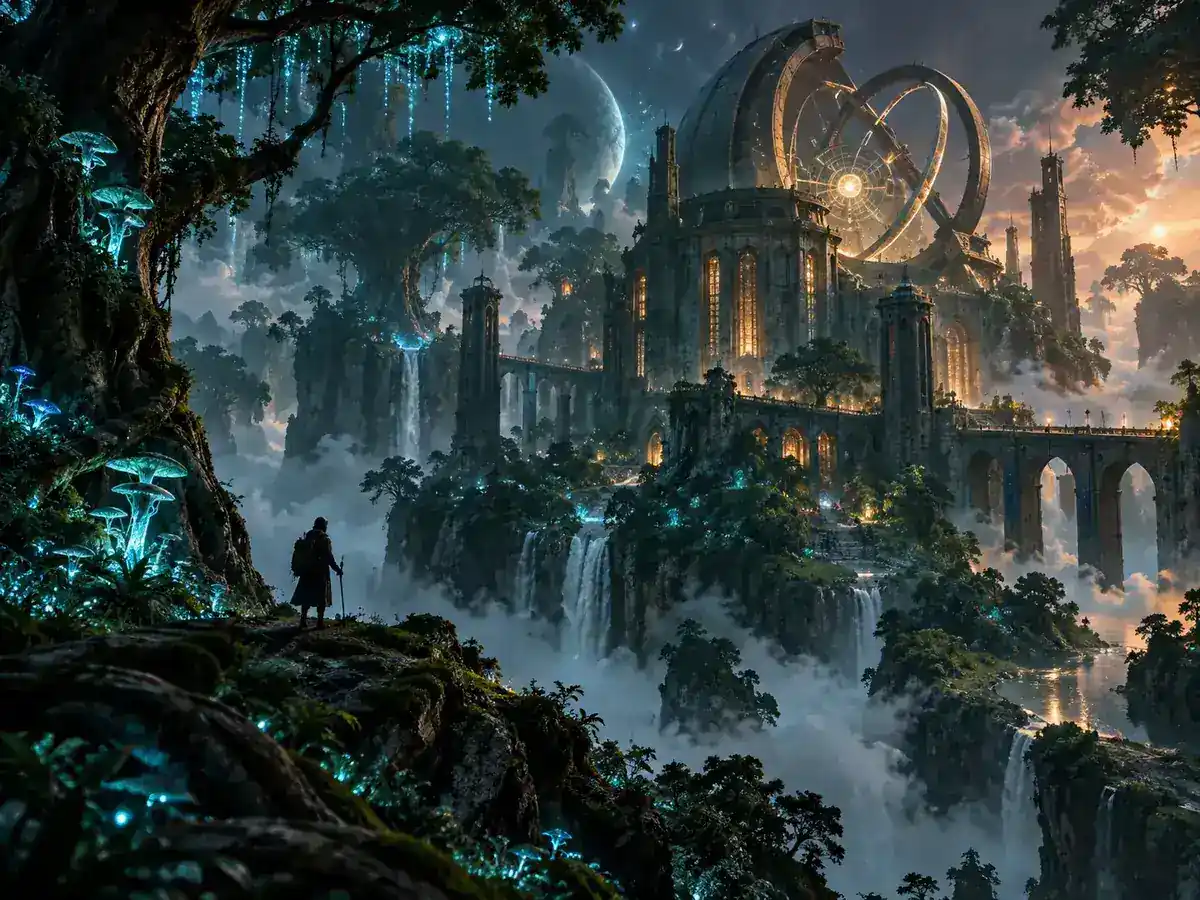
A reference-oriented visual workflow for image edits, style changes, and a more focused production brief.
Image to Image · 2K · 4:3 · Representative sample
Start with Nano Banana 2.1 when you need several variations before choosing a final direction. Its lower credit cost makes it practical for concept exploration, social media assets, product scenes, and repeated image edits.
It is also the better fit when the composition depends on an unusually wide or tall frame. On EaseGen, Nano Banana 2.1 supports 1:4, 4:1, 1:8, and 8:1 output, so you can plan the full composition instead of cropping a standard image later.
Nano Banana Pro is a useful choice when the task starts with an existing image and the main goal is to change its style, setting, or visual treatment while preserving the reference.
Its higher credit cost is easier to justify when a specific editing workflow already works well for your project, or when reducing correction work matters more than generating the largest number of drafts.
A fair comparison changes only the model. Keep the prompt, references, resolution, and aspect ratio consistent, then judge the outputs against the requirements of the final asset.
Step 1
Run the same prompt and reference images through both models. Do not pass the first model’s output into the second unless you are testing a separate two-stage workflow.
Step 2
Choose the same resolution and aspect ratio. Record the model, mode, references, credits, and number of attempts for every result.
Step 3
Check exact text, object count, preserved product details, composition, and the number of edits needed before approval.
One impressive sample cannot establish a universal quality winner. For a production decision, test several representative briefs and keep the original outputs for review.
Use the task as the starting point, then change models when the output misses a requirement that matters to delivery.
| Your task | Start with | Change your choice when |
|---|---|---|
| Exploring many social or campaign concepts | Nano Banana 2.1 | Too many drafts miss important details |
| Creating product scenes from several references | Nano Banana 2.1 | Product shape or material details are not preserved |
| Designing a wide banner or panorama | Nano Banana 2.1 | The required ratio is available in both models and the result does not pass review |
| Restyling an existing image | Nano Banana Pro | Nano Banana 2.1 meets the brief with fewer credits |
| Working from a tuned reference-editing workflow | Nano Banana Pro | A same-input test shows that 2.1 is reliable enough to replace it |
| Creating a 4K image | Test both at 4K | Choose Pro only when the reviewed result justifies the additional credits |
No. They are separate Google image models with different generation settings. EaseGen exposes them as separate choices in the image generator.
Nano Banana 2.1 currently costs fewer credits at both 2K and 4K. Nano Banana 2.1 costs 18 credits at 2K and 27 credits at 4K; Nano Banana Pro costs 24 credits at 2K and 42 credits at 4K.
Yes. Both models currently offer 1K, 2K, and 4K settings on EaseGen.
Nano Banana 2.1 currently supports up to 10 reference images on EaseGen. Nano Banana Pro supports up to 8.
No. Nano Banana 2.1 also supports 4K. Choose Pro when the editing workflow or reviewed output justifies the additional credits.
One shared anonymous image trial is available for eligible settings costing 20 credits or less. Nano Banana 2.1 at 1K and 2K can qualify; its 4K setting requires sign-in and account credits. Nano Banana Pro requires membership.
Turn your ideas into images and videos in one creative workspace.