Animating One Strong Image
Choose an Image to Video model when you already have a product image, character frame, or visual concept and want to add natural movement.
Upload an image and describe how you want it to move. Sign in to generate with credits. Eligible new accounts may receive 20 sign-up credits, subject to availability; the cost appears before you generate.
An AI image to video generator creates a short moving clip from a photo or other image. Upload your image to EaseGen and describe the action or camera movement you want to see.
Animate a product photo, character, sketch, or AI-generated image. The image guides the result, but details and movement can change, so review each clip before using it.
Start with a photo, illustration, or AI-generated image and turn it into a short moving scene.
Describe how the subject or camera should move, from a gentle head turn to a slow push-in on a product.
Videos created in EaseGen are delivered without a watermark, so the result is ready to review or use in your next edit.
Compare supported video models in one workflow and pick the option that fits your scene, references, motion, or audio needs.
Aspect ratio, duration, resolution, audio, and reference options are shown for the model you select. Use those live options instead of guessing at limits.
Move from an uploaded image to model, settings, and generation in one place, with the current credit cost shown before you submit.
Choose Image to Video and upload a clear photo, illustration, or other image you want to animate.
Say what should move, how the camera should move, and what mood or style the clip should have.
Pick a model and its available settings, check the credit cost, and sign in to generate. Review the result and download the clip.
Choose a model based on the image, motion, and settings your clip needs. Available controls depend on the model.
Choose an Image to Video model when you already have a product image, character frame, or visual concept and want to add natural movement.
Compare the available duration, aspect ratio, and resolution for each model before generating your clip.
When your idea depends on multiple images, a reference video, or audio, choose a model whose panel lists those inputs as supported options.
Animate a product image into a launch teaser, detail shot, or short concept for a store or campaign.
Create vertical or square motion ideas for social posts, hooks, announcements, and short-form content.
Animate a storyboard frame or concept image into a quick moving draft before planning a longer production.
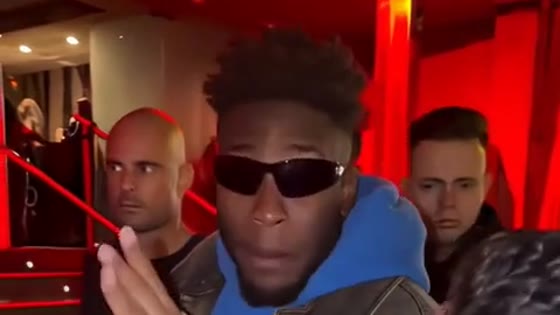
Make a freestyle performance clip for social posts with one photo and a built-in reference.
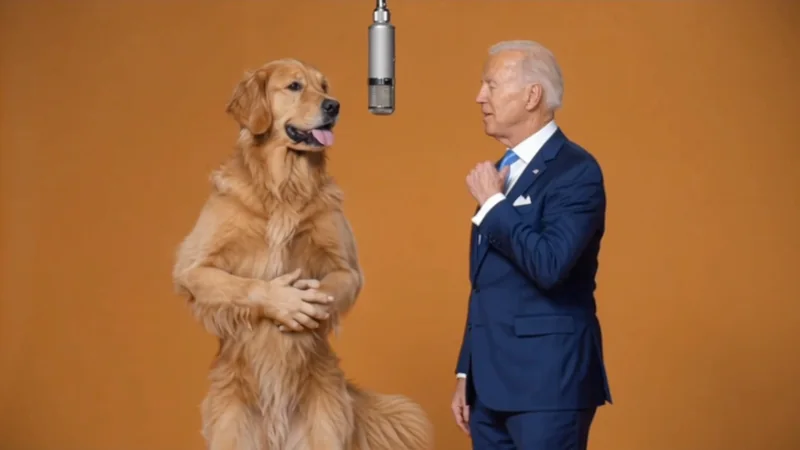
Make a two-person performance clip for social posts with the Hotel Lobby AI template.
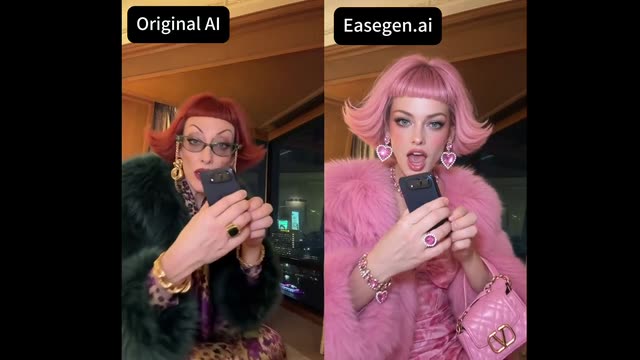
Make a 15-second iPhone Kupi dance video from one photo with a built-in movement reference.
Turn your ideas into images and videos in one creative workspace.