Leave Breathing Room Around Your Face
Choose a sharp, front-facing chest-up portrait with space above your hair and around your shoulders so overhead white and gold confetti enters without crowding your face.
Turn one photo into the viral 12-second Boom Clap confetti video—beat-synced lip-sync, hand gestures, and two overhead confetti bursts with original sound built in. Upload a clear portrait and export a watermark-free 9:16 MP4.
Add a sharp, well-lit, front-facing chest-up photo of yourself, a friend, or a pet (JPEG, PNG, WebP, or BMP up to 20 MB). Your outfit and hairstyle stay intact while your face stays visible through both confetti bursts.
The 12-second confetti-cannon reference performance, lip-sync timing, and original Boom Clap audio are already built in. Choose 480p, 720p, or 1080p and review the exact credit total upfront.
Click Generate to render your 9:16 vertical MP4 clip with synced sound and zero EaseGen watermark, then save and post straight to TikTok, Reels, or YouTube Shorts.
The Boom Clap confetti trend is a 12-second TikTok sing-along set to the chorus of Charli XCX's 2014 hit "Boom Clap." Facing the phone camera, you lip-sync "Boom clap, the sound of my heart" with quick hand cues while an off-camera helper fires white, silver, and metallic gold confetti overhead on every "boom" beat.
Pulling off the live version takes a second person, physical party poppers, tight timing, and sweeping confetti off the living room floor. EaseGen's single-photo template preloads the entire 12-second vertical performance and original audio track so one clear portrait puts you right under both bursts in seconds.
"Boom clap, the sound of my heart—the beat goes on and on and on and on and on." The chorus builds fast: a single finger count-in, a two-hand heart at the chest, crossed fists bracing for impact, and then a sudden blast of white and silver confetti right on the first "Boom."
What turned a two-second party trick into a massive TikTok wave was the double-angle contrast. Alongside polished front-facing sing-alongs, creators posted behind-the-scenes clips showing friends crouched behind tripods, misfired poppers, and living rooms buried in foil strips.
When the second, heavier shower of metallic gold confetti hits around the 7-second mark, the performer throws both hands onto their head laughing before catching the falling pieces with open palms. Using one photo on EaseGen captures that full 12-second arc—keeping your own outfit and hair moving naturally through the blast without buying a single popper.
Several video styles and editing tricks circulate under #boomclap. Here is how they differ and what you generate on this page.
From a 2014 pop chorus to a global two-burst TikTok and AI template wave.
Approximate timing inside EaseGen's built-in 12.2-second vertical reference clip.
| Approximate time | Moment in the reference |
|---|---|
| 0–1.9s | Chest-up medium shot in a bright white indoor room; the performer sings directly to the lens, lifts an index finger, forms a two-hand heart at the chest, and crosses fists before the drop. |
| 1.9–2.4s | First "Boom!" burst: white and silver confetti fires downward from above as the performer whips their head forward in surprise, then throws both hands onto their head laughing. |
| 2.4–6.2s | Still smiling through drifting silver confetti, the performer lowers their hands, points downward on the lyrics, and leans closer toward the lens with wide eyes and double pointing cues. |
| 6.2–7.0s | They sit back upright and cross fists briefly at chest level, grinning as stray confetti pieces settle before the second chorus drop. |
| 7.0–7.8s | Second "Boom!" burst: a heavier cascade of shiny gold and silver metallic confetti rains overhead while the performer braces forward and grabs their head in a huge laugh. |
| 7.8–12.2s | Celebratory outro under falling gold confetti: gesturing toward the camera, resting hands across the chest with a playful glance, and swaying with open palms until the clip ends. |
Upload a bright, smiling birthday, graduation, or milestone comeback portrait to turn a single still photo into a 12-second double-confetti celebration clip ready for Instagram Stories, Reels, or group chats.
Drop in a serious ID photo, tired Monday-morning selfie, or straight-faced desk headshot. Watching a deadpan face suddenly sing "Boom Clap" under flying gold confetti lands instant comedic contrast.
Use one clean front-facing shot of a friend, sibling, or coworker to celebrate small wins—like surviving an exam or finishing a shift—with full silver-and-gold confetti bursts.
Because Boom Clap AI preserves your uploaded outfit and hairstyle, a chest-up party dress, blazer, or streetwear photo turns into an upbeat celebration clip without wardrobe swaps.
Upload a centered, front-facing illustration, 3D avatar, or VTuber model to put a favorite character inside the bright white confetti room for fandom Shorts and TikTok edits.
Try an eye-level front shot of a dog or cat with head and chest visible so your pet reacts to the beat with natural head bobs and paws—best treated as a playful parody run.
Confetti bursts cross right in front of the face at 2s and 7s. Start with a crisp portrait with breathing room and clear color contrast.
Choose a sharp, front-facing chest-up portrait with space above your hair and around your shoulders so overhead white and gold confetti enters without crowding your face.
Darker or saturated tops—like black, navy, red, emerald, or bright yellow—keep your silhouette sharp against the bright white room and flying silver-and-gold paper. Avoid plain white shirts when possible.
EaseGen preserves the clothes, hair length, and jewelry from your photo while replacing cluttered rooms or outdoor walls with the clean white living room from the reference clip.
Keep both eyes, eyebrows, nose, and lips unobstructed. Sunglasses glare and hands near the chin cause flicker when silver and gold confetti drops past the face.
Sound-on vs. muted Stories, viral caption hooks, and how outfits, backgrounds, and pets adapt.
Publish straight to Reels or Shorts with the synced Boom Clap audio. On TikTok, attach the trending track at 1%–5% while keeping Original Sound at 100% so lip-sync stays locked. For muted Stories or group chats, add a bold opening text hook in the first 2 seconds so the confetti drop lands even with sound off.
Pair the clip with punchy text like: "Zero cleanup, two confetti cannons," "POV: You finally made it through the week," or "Me celebrating doing one chore on my list."
Human uploads keep your shirt, hair length, glasses, and facial hair while swapping your photo's background into the white living room. Pets and stylized characters stay in their own species and proportions rather than growing human hands.
All three resolutions produce the same 12-second 9:16 MP4 with original audio and zero watermark. Pick based on where you plan to post.
| Detail | 720p (Recommended) | 480p (Fast Test) | 1080p (Max Detail) |
|---|---|---|---|
| Credits (12s clip, 25s billable) | 425 credits (17/sec) | 200 credits (8/sec) | 850 credits (34/sec) |
| Best for | Public TikTok, Reels & YouTube Shorts posts | Testing a new photo, pet, or avatar first | Crisp close-ups and multi-clip celebration edits |
| Confetti & face clarity | Sharp eyes, teeth & metallic gold confetti edges | Fast preview to verify lip-sync and hair motion | Highest texture retention through dense bursts |
| Audio & output | 12s 9:16 MP4, built-in sound, no watermark | 12s 9:16 MP4, built-in sound, no watermark | 12s 9:16 MP4, built-in sound, no watermark |
| Failed run protection | Credits refunded automatically | Credits refunded automatically | Credits refunded automatically |
Real party poppers often misfire, trigger late, or blast straight into your face—ruining takes and wasting props. EaseGen's built-in 12-second template lands both white/silver (2s) and gold (7s) bursts cleanly on the beat.
Skip crouching a friend behind a tripod and sweeping metallic foil off floors and couches afterward. Upload one solo portrait to get the complete 9:16 video with synced Boom Clap audio.
Your clothes and hairstyle stay intact while cluttered rooms or street backgrounds are replaced by the bright white living room—exported watermark-free with automatic refunds if a run fails.
Quick fixes if confetti passes across the face or lip-sync looks off.
Switch to a higher-resolution, front-facing portrait with clean forehead and eye contrast. Blurry or heavily filtered selfies lose detail when white and gold confetti crosses the lens.
Upload a photo with a relaxed, neutral or lightly smiling mouth rather than a wide-open shout or a hand covering the chin, so jaw movement starts from a clean baseline.
Thin metal frames hold better than thick dark sunglasses or wide-brimmed hats that cast shadows. If glare artifacts appear, retry with an unobstructed portrait.
Leave extra margin around ears and whiskers instead of cropping tightly to the nose, and verify framing at 480p before rendering at 720p or 1080p.
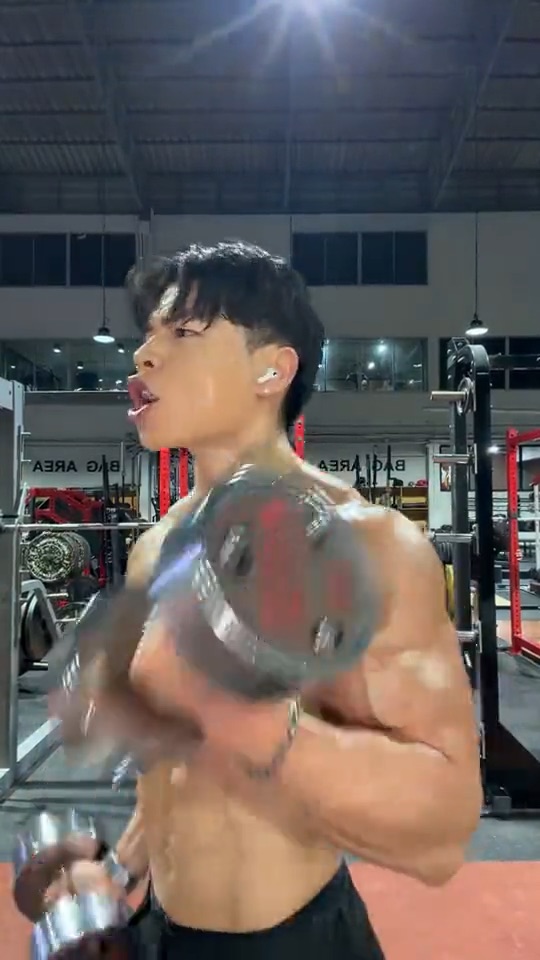
Turn one photo into the 14-second "In This Town" gym video with original sound.
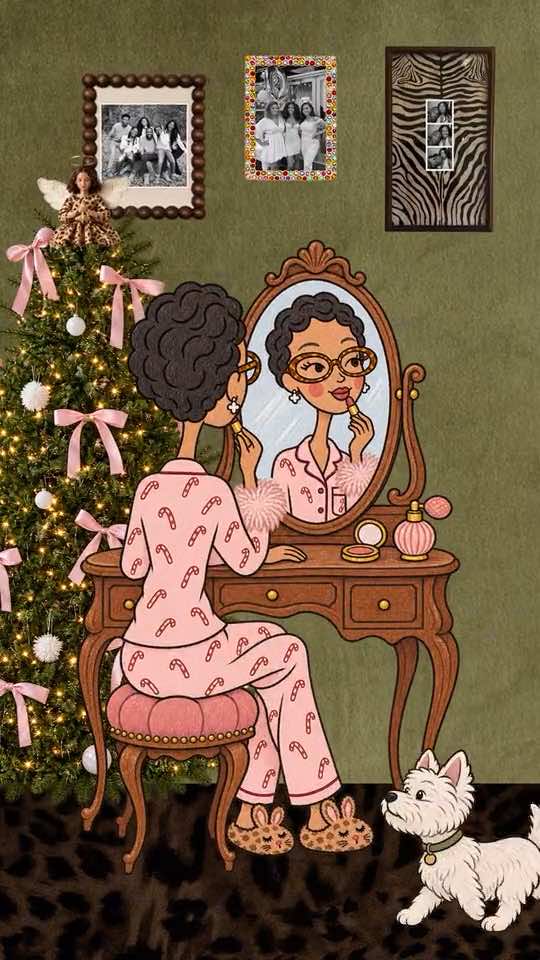
Turn one photo into an 11-second hand-drawn cartoon Vlogmas intro with original audio.
Turn a photo or image into an AI video on EaseGen. Describe the motion, choose a model and settings, and check the credit cost before generating.
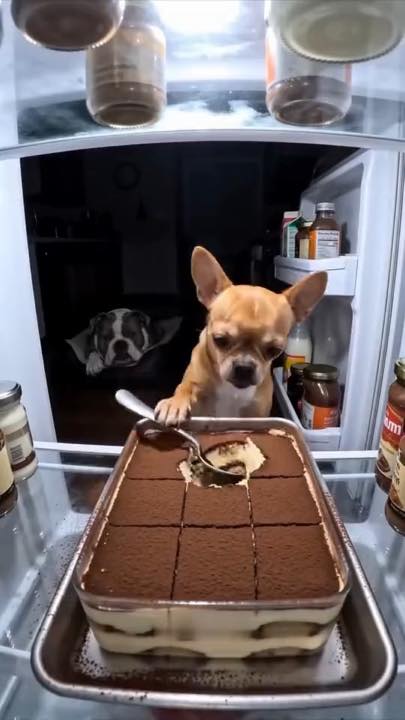
Put your pet or character in the Chihuahua's place in the tiramisu fridge video with one photo.
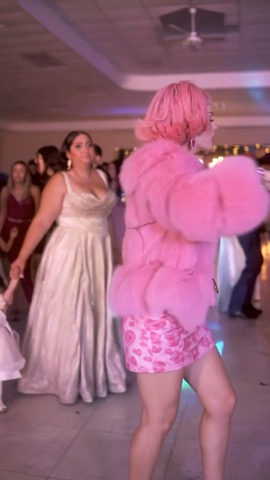
Put one person into the Dime Dime Baby party dance with a built-in video reference.
Turn your ideas into images and videos in one creative workspace.